Skip to content

Prebuilt User Interface

Deploy a robust, operationally proven user interface designed for demanding environments such as defense, emergency response, and public safety operations. Our highly customizable web interface gives you full control—whether you need rapid deployment with minimal configuration or a fully tailored solution built to precise operational requirements.
Interface Architecture

Immediate Operational Readiness

A single request to the Eyeson API can instantly start a video session. Every response from our server includes a link to a prebuilt, ready-to-use user interface. You can integrate this UI directly into your applications, reducing development time while providing a robust, fully functional video communication platform out of the box.
The default UI is platform-independent, fully maintained, and free to use. It offers a familiar look and feel, and can be customized to match your solution’s design and requirements. By leveraging this prebuilt interface, teams can focus on building operational features while ensuring a reliable, professional video experience for end users. 
  • Video Stream

    Eyeson One View merges all incoming audio, video and data into a single video stream.

  • Panels

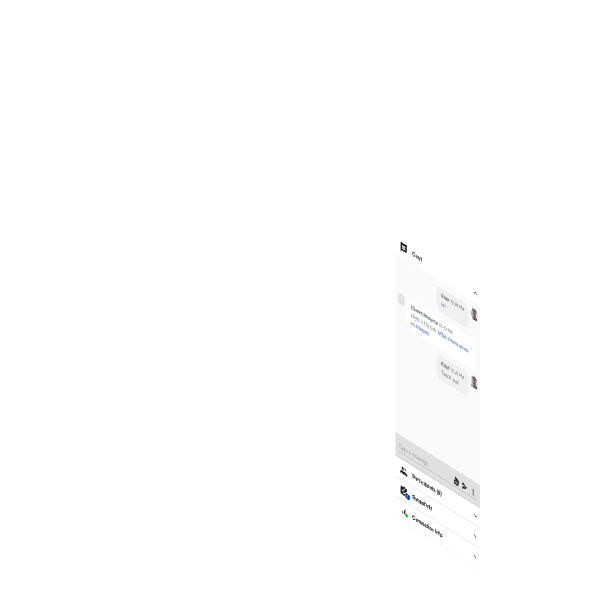
    Flexible layout blocks for chat, snapshots, and connection stats, providing interactive components.

  • More Options

    Contains advanced settings, allowing deeper configuration without cluttering the main interface.

  • Settings Window

    Contains detailed configuration options for precise control over device preferences, behaviours, etc.

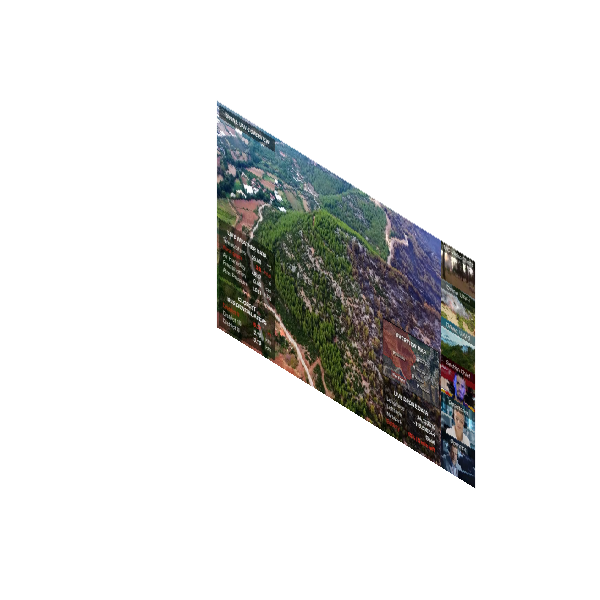
eyeson mono white background eyeson video stream eyeson address bar eyeson panels column eyeson menu column eyeson more menu pop up eyeson settings pop up
Hidden Features

Extended Functionalities

Beyond the core meeting interface, the Eyeson UI includes a range of additional features designed to enhance usability and operational flexibility. Many of these capabilities are accessible through the More Options menu and allow participants to adjust their environment without interrupting the session. 
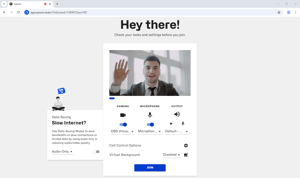
Some configuration options enable users to modify visual and device-related settings in the Preview Page. For example, participants can enable background blur to reduce visual distractions or configure additional input devices when operating in more complex setups. If the connection is flaky, join in audio-only mode.
Screenshot 2026-03-05 151540
Preview Page
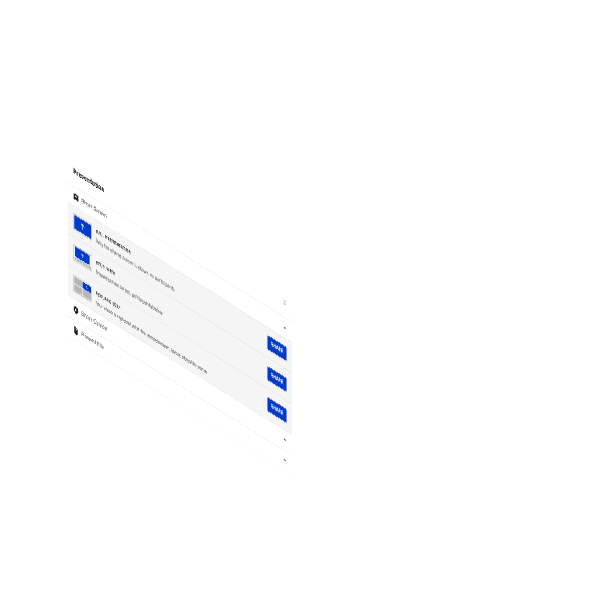
Before entering the session, an extensive menu of device options and control features awaits participants.
streamdeck-1
Stream Deck
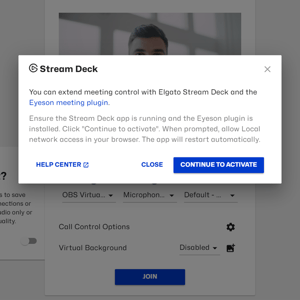
In the Elgato Marketplace, there is an Eyeson Plugin with the newest features enabled.
location
Share Location
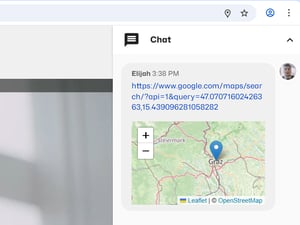
In certain situations, sharing the GPS location may be very useful. Found in the Chat Settings.
Access Key Features

API Session Control

Each running Eyeson meeting is associated with an Access Key. This key is included in the meeting URL and acts as the unique identifier for the session. Developers can use the Access Key to interact with an active meeting through the Eyeson API. This allows applications to dynamically adjust the session while it is running, enabling functionality that goes beyond what is available in the default user interface.

For example, developers can inject overlays into the video stream, modify the layout of participants, or introduce media content during the meeting. These actions can be triggered programmatically from backend services, control systems, or automation tools.

Overlay Example
export ACCESS_KEY=...

curl -X POST \
  -d "url=https://docs.eyeson.com/img/examples/overlay_example.png" \ 
  -d "z-index=1" \ 
  "https://api.eyeson.team/rooms/$ACCESS_KEY/layers"
Custom Layout Example
export ACCESS_KEY=...

curl -X POST \
  -d "layout=custom" \
  -d "name=custom-map" \
  -d "map=[ \
    [20, 80, 400, 400, \"auto\"], \
    [440, 160, 400, 400, \"contain\"], \
    [860, 240, 400, 400, \"cover\"] \
  ]" \
  -d "users[]=" \
  -d "users[]=" \
  -d "users[]=" \
  "https://api.eyeson.team/rooms/$ACCESS_KEY/layout"
Playback Example
export ACCESS_KEY=...

curl -X POST \
  -d "url=https://docs.eyeson.com/video/examples/playback_example.mp4"
  -d "play_id=mp4"
  -d "name=example"
  -d "loop_count=-1" #infinite loop
  -d "audio=false"
  "https://api.eyeson.team/rooms/$ACCESS_KEY/playbacks"
These capabilities make it possible to integrate Eyeson sessions into automated workflows, monitoring systems, or custom control interfaces while maintaining the convenience of the prebuilt user interface. If you want to learn more about Eyeson API visit our documentation.
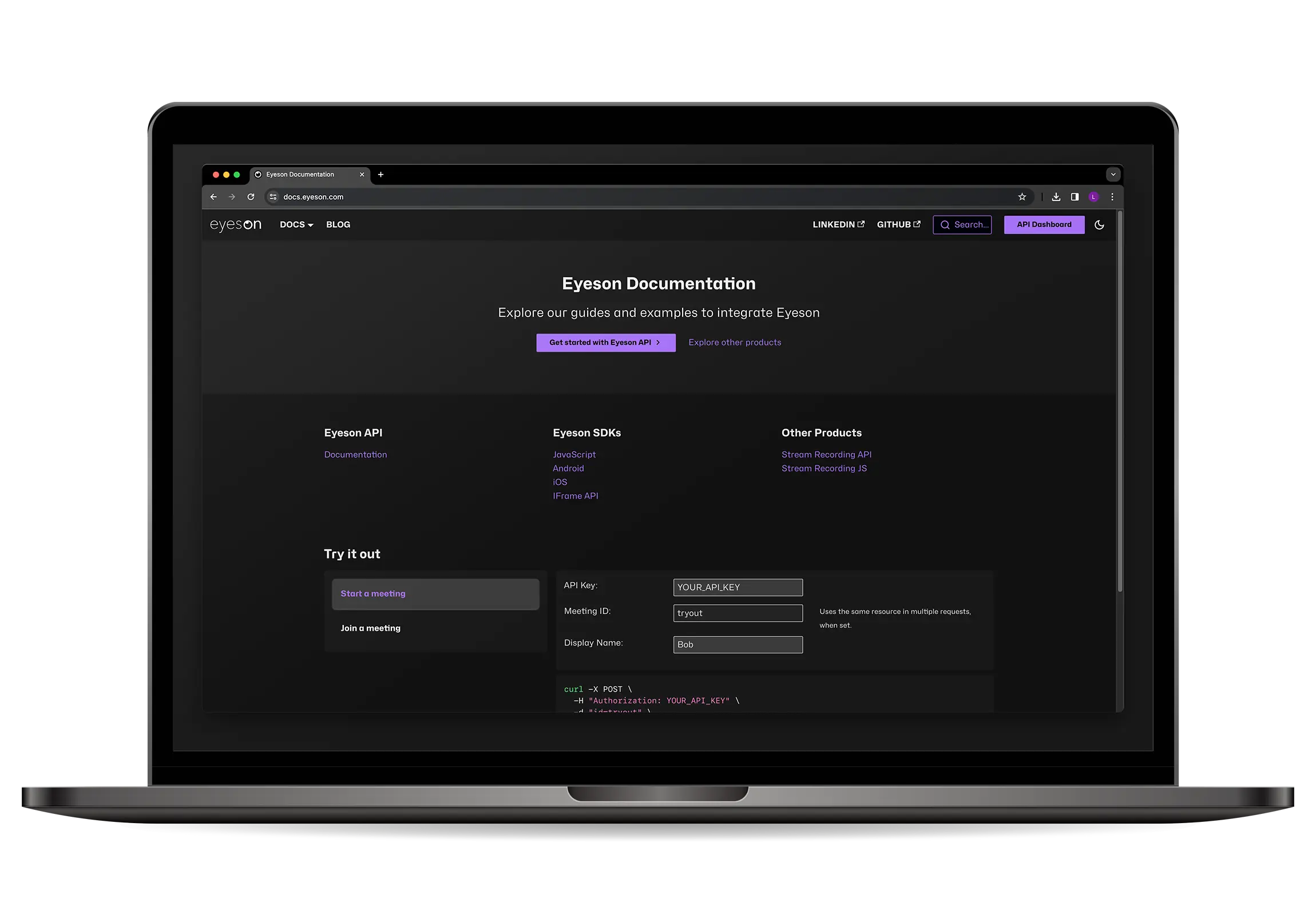
eyeson-docs-web
Eyeson Documentation
Nothing is better than some code & documentation
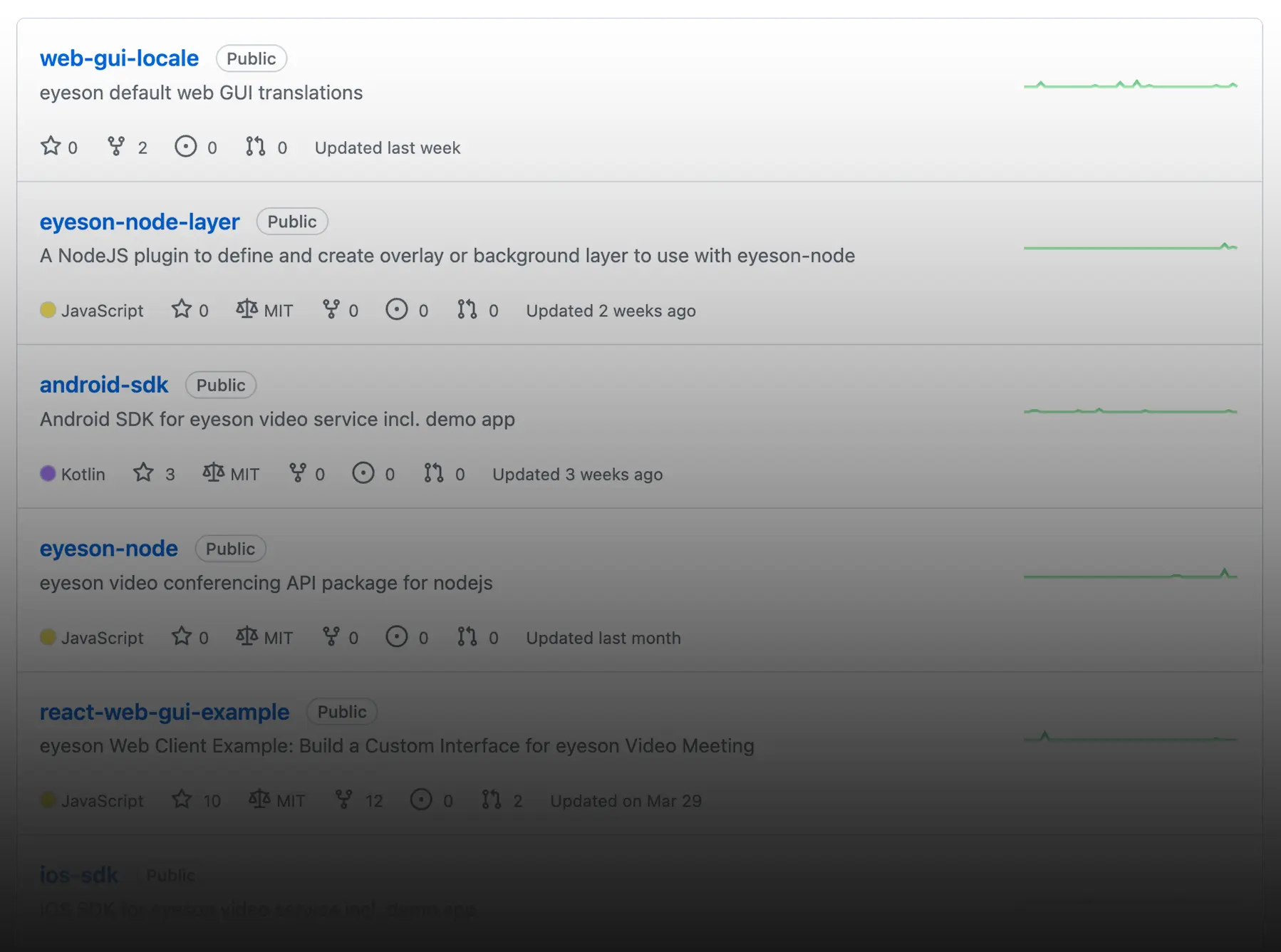
Eyeson GitHub
Find SDKs, Examples & library implementations
github-eyeson
Tech Blog
News, Tips & Tricks
Our developers post regularly to provide helpful info.
Get your free API key and start building your own solutions.